
Confidential AI for Law Firms That Keeps Client Files Inside the Matter
Your duty of confidentiality does not pause when you open a new tool. Jural is built so that a contract, a discovery production or an intake note stays with the matter it belongs to, is seen only by the people the firm allows, and is never used to train AI models. This page explains each safeguard in plain terms, including the things we do not claim.
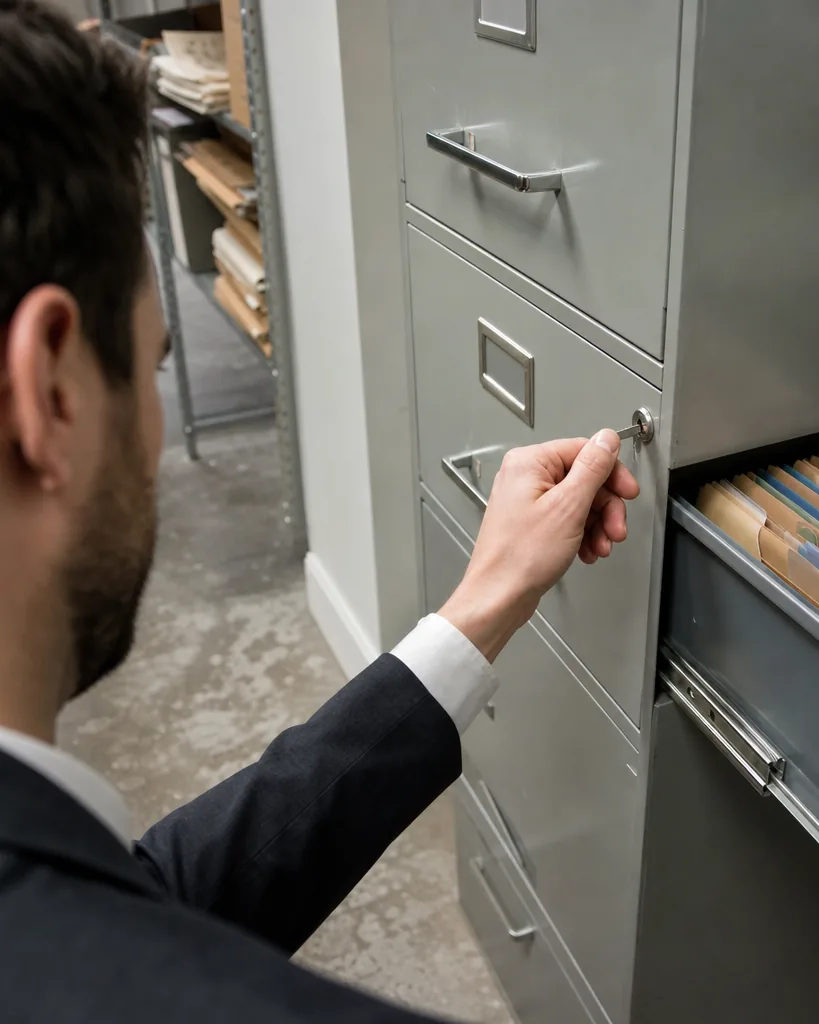
How we think about client confidences
A law firm workspace holds privileged communications, settlement positions, medical records in injury files and financial disclosures in divorce matters. We treat every one of those documents as belonging to the firm and its client, not to us. Jural processes a document only to produce the result a user asked for, keeps it in the firm's workspace, and gives the firm the controls to decide who sees it and how long it stays.
- Documents are processed only to answer the request a user made
- Client files are never used to train AI models, ours or anyone else's
- Access follows the matter, not the whole firm
- Every sensitive action leaves a record in the activity log
Per-matter access walls
Each matter in Jural has its own membership list. An attorney who opens a matter adds the colleagues who work on it, and everyone else at the firm is kept out of its documents, chats, drafts, chronologies and time entries. When a lateral hire arrives with a conflict, or a matter calls for an ethical screen, the owner removes that person from the matter and the wall holds across every module. The assistant answers only from matters the user can open, so a question asked in one file never pulls text from another.
- Walls apply to uploads, assistant answers, drafts, research notes and exports
- Search and the firm knowledge base respect the same walls
- Conflict check reports show that a match exists without exposing walled documents
Per-matter access walls are part of the Firm and Enterprise plans. Solo workspaces cover one or two seats and keep the same separation between matters for each user.
Roles that match how a firm works
Jural ships with four roles. Owners manage seats, billing, roles and firm settings. Attorneys open matters, invite colleagues and approve outputs. Paralegals prepare documents, chronologies and intake files inside the matters they are added to. Staff handle intake and scheduling without access to matter documents unless an attorney adds them. Enterprise adds custom roles, so a firm administrator can build a role for a records clerk or a billing coordinator with exactly the permissions that job needs.
An activity log for every sensitive step
The activity log records sign-ins, uploads, document views, exports, approvals, permission changes, role changes and deletions, with the user and the time. When a client asks who handled a file, or the firm reviews a departure, the answer is in the log rather than in someone's memory. Enterprise customers can export the audit log for their own records or for a review by outside counsel.
Encryption in transit and at rest
Every connection to Jural uses TLS, and stored documents, extracted text and database records are encrypted at rest by our hosting provider. Passwords are stored only as salted hashes, and sign-in codes expire quickly. We do not describe this as end-to-end encryption, because Jural has to read a document to summarize it, review it or answer a question about it. What we promise is narrower and accurate: data is encrypted on the way to us and while it is stored.
Client documents never train AI models
Jural sends the text needed for a request, such as the pages of an agreement under review or a research question, to AI model providers that return the output. Those providers act under terms that prohibit training on customer data and limit retention to what is needed to deliver and secure the service. We do not use workspace content to improve our own product either. Product decisions rely on aggregate usage counts, such as how often a module is opened, never on what a firm uploaded.
Retention and deletion the firm controls
The firm decides how long matter content stays. Users with the right permission delete documents and whole matters at any time, and Enterprise customers set retention rules that remove content automatically after a period they choose, for example a set number of years after a matter closes. When a subscription ends, the firm has 30 days to export its work, and content is then removed from active systems. Encrypted backups roll over and are fully removed within a further 35 days. Deleting a document does not return pages to the usage meter, because usage counts consumption in the billing period.
Single sign-on on Enterprise
Enterprise workspaces sign in through SAML single sign-on with the firm's identity provider. When an associate leaves, disabling the account in the identity provider closes access to Jural at the same moment, and the activity log keeps the record of what that person touched. Solo and Firm plans use email sign-in with one-time codes.
What we do not claim
We do not hold security certifications or compliance badges, and you will not see any on this site. Security questionnaires from your clients or carriers are welcome at [email protected], and we answer them with what we actually do rather than with labels. Jural also does not decide what your ethics rules require. Whether a matter may be processed with an AI assistant, and whether a client must be told, is a judgment for the responsible attorney under the rules of your jurisdiction. Read how an ai legal assistant works for the full flow from upload to output, and AI use for the limits of the models.
Safeguards in daily practice
- A paralegal uploads a 400-page production into a matter, and only the two attorneys and one paralegal on that matter can open it.
- A partner shares the firm playbook through the document management system for law firms without opening any client file to the whole office.
- A new client in legal intake software goes through the law firm conflict check software before anyone sees the intake answers beyond the intake team.
- A billing coordinator on Enterprise gets a custom role that exports approved time without reading matter documents.
FAQ
Yes. The activity log shows each document view, export and permission change with the user and the time.
No. Workspace content is processed only to produce the result you requested and is never used for training.
Yes. Remove that person from the matter, and its documents, chats, drafts and exports are closed to them in every module.
No. We do not claim certifications, and we describe our safeguards as they are when you send a questionnaire to [email protected].
Enterprise includes SAML single sign-on, custom roles, audit log export and data retention controls. See ai legal assistant pricing for every plan.
Put confidential work into a workspace built for it
Create your account, open a matter and add only the people who belong on it.
Your documents are never used to train AI models. Every result is a draft for attorney review.