
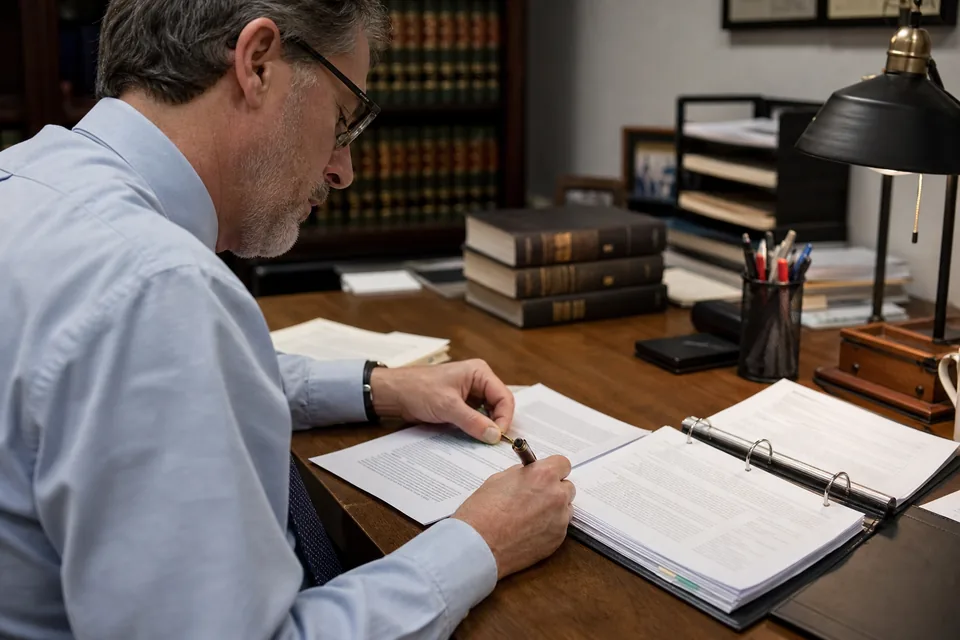
Legal document automation software built on your firm's own templates
Jural drafts from the templates your firm already trusts: engagement letters, NDAs, demand letters, motion shells and the clauses you reuse in every deal. It fills each template with facts from the matter, flags anything it could not find, and hands back a Word document the attorney edits and signs. It never invents a citation and never rewrites your approved language on its own.
Drafting that starts with your forms, not a blank page
Most firms already have the language they want. The time goes into finding the latest version, copying names, dates and amounts from the file, and checking that nothing from the last client survived the copy. Jural takes over that part.
Firm templates
Upload your templates as DOCX and mark the fields that change: client name, adverse party, court and case number, effective date, fee arrangement, notice address. On Firm and Enterprise plans, templates are shared across the firm, with an owner who approves changes, so everyone drafts from the current version.
Letters and engagement letters
Engagement letters pick up the client, the scope from intake, the responsible attorney, the rate or flat fee and the billing terms from the matter. Demand letters, status letters and cover letters take the facts and dates from the matter file and the recipient from the parties list.
NDAs and agreements
Mutual or one-way NDAs, consulting agreements and standard commercial forms are filled from the deal facts. If your template has alternative clauses for each side, Jural picks the one that matches the side you represent and shows which alternative it chose.
Motion shells and pleadings
Jural fills the caption, parties, case number, court, attorney signature block and certificate of service from the matter. The argument section stays as your template leaves it, with the facts section drafted from the matter chronology and each fact tied to its source page for the attorney to verify.
Clause library
Reusable clauses, such as a limitation of liability, a governing law clause or a confidentiality carve-out, can be inserted into any draft from the knowledge base, with the version and approver visible.
How a draft is produced
- Choose a template from the firm library or upload a new one and mark its fields.
- Pick the matter, and Jural reads the parties, dates, amounts and facts it holds.
- Jural fills each field and lists anything it could not find as an open item instead of guessing.
- Optional instructions adjust tone or add a paragraph, and the change is shown against the template.
- The attorney reviews the draft in the browser, edits, and resolves the open items.
- The approved draft exports as DOCX and is saved to the matter with who drafted and who approved it.
No invented citations
Jural does not add case law, statutes or rules to a draft on its own initiative. Citations that appear in a draft come from your template or from research the attorney ran and saved to the matter, where every cited source links to the passage it came from. When a template calls for authority that the matter does not hold, Jural leaves a clearly marked open item rather than producing a citation. Facts in the draft carry a reference to the document and page they came from, so the attorney can check each one before signing.
What Jural does not do in drafting
Jural supports lawyers and does not give legal advice. Every draft is a draft for attorney review, and nothing is sent, filed or served by Jural. It does not decide strategy, choose which claims to plead or tell you whether a fee arrangement complies with your state's rules of professional conduct. Formatting follows your template, but local court rules on margins, page limits and filing format remain the attorney's responsibility. Drafts count against your plan's monthly allowance when they are generated, and deleting a draft does not return it. Client documents are never used to train AI models.
Who drafts with Jural
Paralegals and legal assistants produce engagement letters, notices and first drafts from templates while the matter is still open on their screen. Associates start motion work from a filled shell with a sourced facts section instead of an empty caption. Estate planning and family law practices draft letters and recurring documents from firm forms with the client facts already in place. Partners keep the template library current and see who drafted what in the activity log.
Drafting on each plan
Drafting from templates is included on every plan, with DOCX output. Solo covers one or two seats at $24 per user per month billed yearly ($288 per user per year) or $49 monthly, with 20 drafts per user each month. Firm starts at three seats at $49 per user per month billed yearly or $99 monthly, with 80 drafts per user each month and shared firm templates. Enterprise starts at ten seats at $99 per user per month billed yearly or $199 monthly, with 200 drafts per user each month, custom roles and audit log export. Yearly billing saves 50 percent and is the default.
Drafting questions
Yes, you upload your DOCX templates and mark the fields, and Jural drafts only from them.
No, citations come only from your template or research saved to the matter, and Jural never invents one.
Jural leaves a marked open item in the draft and lists it for the attorney to resolve.
Drafts export as DOCX, ready for editing in Word and for your firm's normal signing process.
Draft your next letter from your own template
Create your account, upload a template, pick a matter and get a filled DOCX ready for attorney review.
Your documents are never used to train AI models. Every result is a draft for attorney review.